Fingerprint attendance for teachers and staff: rules, leave and salaries
After the machine is on the wall: office hours, lateness, leave, missed punches and salaries, set so the rules are clear and fair to everyone.
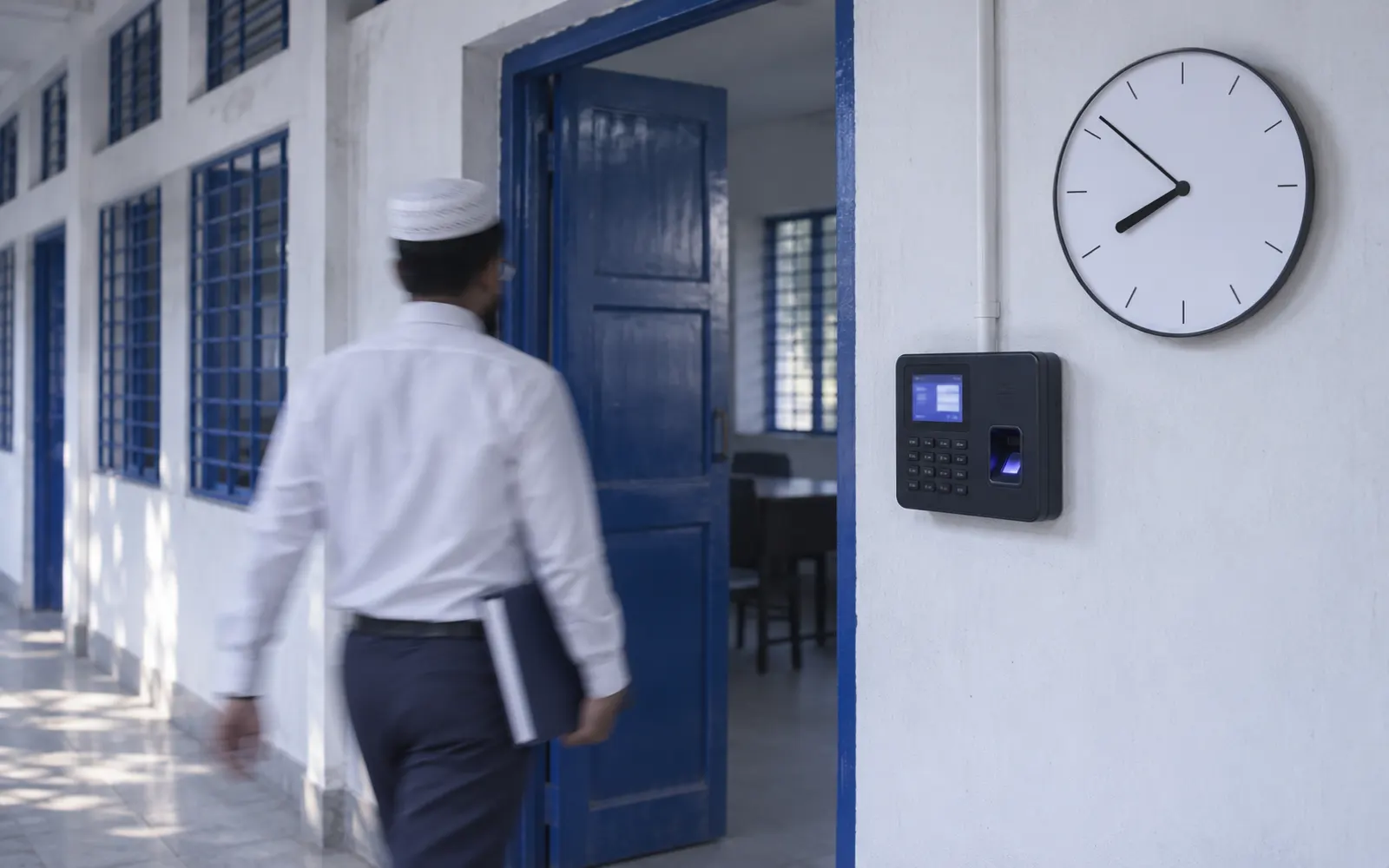
Putting a fingerprint machine on the wall is the easy part. The real work starts afterwards. The machine only records who put a finger on it and when. Who counts as late, what happens on a day of leave, what happens when the machine is off, and which of these affect the salary are all decisions the institution has to make.
Without clear rules, the machine causes friction among teachers. "I was here, the machine didn't take it" comes up every month. This post sets out, step by step, how to arrange the attendance rules for teachers and staff. It does not cover buying or installing a machine, only the rules once it is running.
Write the rules first, then switch the machine on
Before the machine goes live, write the attendance rules on one page. Read them out at a staff meeting and put them on the notice board. The rules should say at least this:
- When the working day starts, and after what time someone counts as late.
- Before what time leaving counts as leaving early.
- What happens after how many late days. For example, more than three late days in a month means a word with the head teacher.
- Whom to tell when you forget to punch or the machine is off.
- How to ask for leave, and who approves it.
With written rules, no later decision feels personal. Everyone knows the rule is the same for all.
How arrival and departure are counted
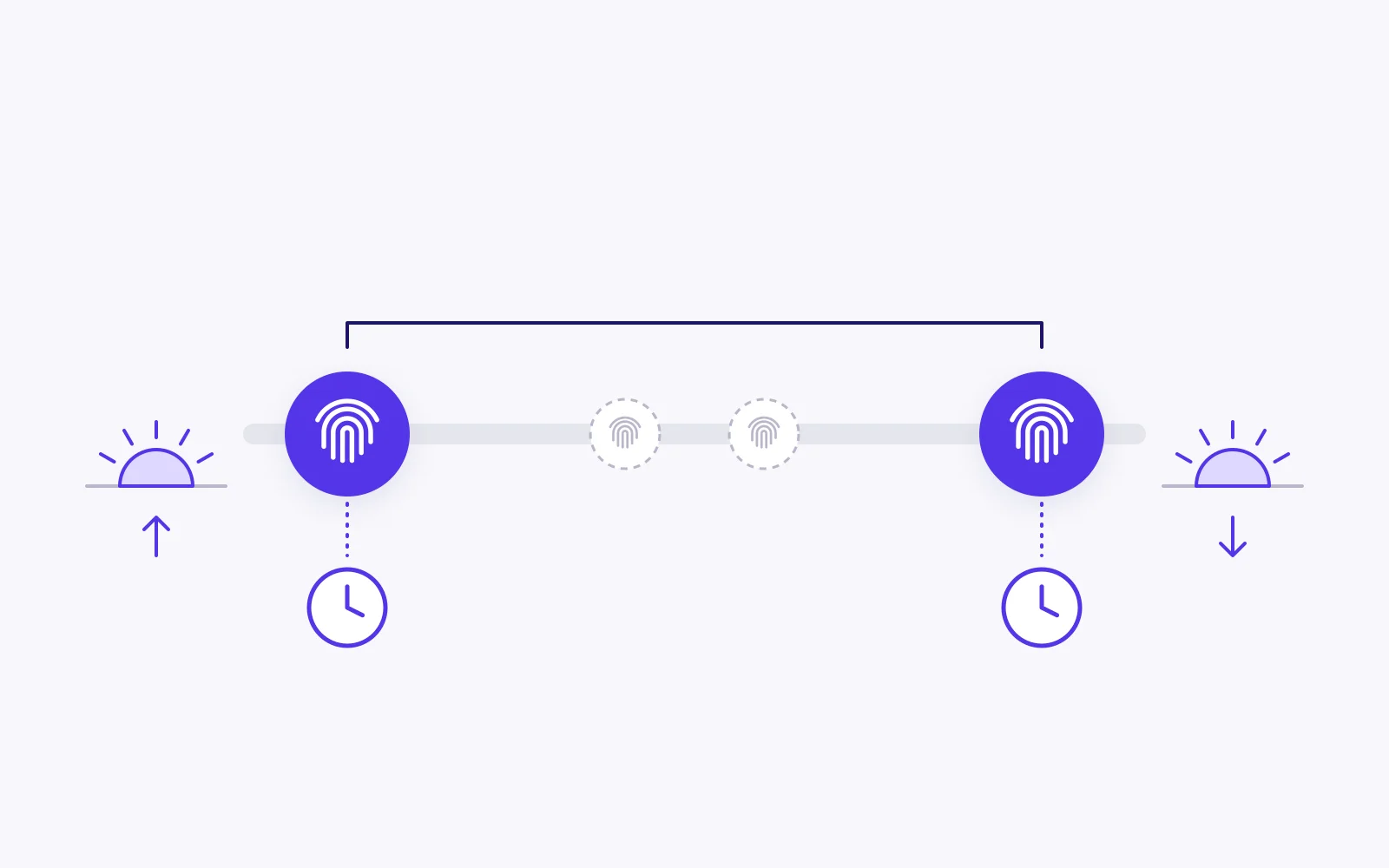
Some people punch once in the morning, some two or three times. Some go out at midday and come back. So it is best to agree in advance which punch counts.
In EduSine the first punch of the day is the arrival time and the last punch is the departure time. Punches in between are not counted separately. A punch on the machine marks that day present, and the arrival time shows with a fingerprint mark on the Staff attendance page.
Marking someone late is done by the office. Look at the arrival time, and press Late next to the name of anyone who was late. That keeps the decision about lateness in human hands. If someone was late because of an accident on the road, the head teacher can take that into account.
Keep everyone's ID right on the machine
The machine knows people by an ID number. EduSine gives every staff member a device ID, shown on their profile. When you take their fingerprint on the machine, give exactly this number.
If one person's punches are not coming through while everyone else's are, the cause is almost always that this ID does not match. When a new teacher joins, take their fingerprint that day, and when someone leaves, remove them from the machine.
Build the habit of asking for leave in advance
Leave causes more attendance trouble than anything else. Someone takes leave by word of mouth, the office does not know, and at the end of the month their name shows absent. To avoid this, make written leave requests the rule.
In EduSine staff can apply for leave from their own page. Once a request is approved, those days appear as leave on the Staff attendance page by themselves; the office does not have to enter them again. The type of leave is kept too, such as sick, casual, earned or unpaid.
What if someone punches on a day of approved leave? The approved leave does not change. The day stays as leave, but the arrival time is recorded, and the person who approves leave gets a notification. They can check whether the staff member really came in to work. If so, the office can mark the day present.
If someone works part of the day, you can give a half day. Arrival and departure times can be written down separately too.
Missed punches and a machine that is off
Power cuts, a switched-off computer next to the machine, or a finger the machine will not read: these will happen. So keep a simple rule for corrections:
- Whoever could not punch tells the office the same day.
- The office marks them present by hand on the Staff attendance page, with the arrival time if needed.
- If it happens to one person many times a month, take their fingerprint again.
Even without a machine, all attendance can be taken from this page. Mark everyone present at once, then press only the names of those who did not come or are on leave.
Attendance and salaries
This is the most sensitive part, so it needs to be the clearest. EduSine's salary sheet deducts two kinds of day: days absent, and unpaid leave. An unpaid half day deducts half a day. Paid leave deducts nothing. Lateness never deducts money automatically.
Whether to cut pay for lateness is your institution's policy. If you want to, keep the rule in writing, and let the head teacher look and decide at the end of the month.
Before paying salaries, check each person's absent days once. After salaries are paid, that month's figures can no longer be changed, so this is the time to catch mistakes.
When staff can see their own attendance, complaints go down
When attendance lives only on the office computer, the end of the month brings surprises. When staff can see it themselves every day, a mistake is caught at once.
When they sign in to EduSine, staff see today's attendance on the dashboard, for example "Present, in at 7:45 AM". The attendance tab on their own page has the whole month's calendar and the counts of present, late, absent and leave days. If they see a wrong day, they tell the office and the office corrects it.
The machine is a record of time, not surveillance
One last point. When fingerprint attendance starts, some teachers may feel they are not trusted. Explain at the meeting that it is the same record for everyone. The effort of someone who arrives on time every day is recorded too. When the rule is the same for all and there is a way to correct mistakes, within a few months the machine becomes an ordinary habit.
How it works in EduSine
Staff attendance is on every plan. Connecting a fingerprint machine is on the Standard plan, up to two machines. Deducting absent days on the salary sheet is part of Standard's salaries too. To see it step by step, read the tutorials Staff attendance and fingerprint machines and Leave. To learn more, see the Attendance and Payroll pages.
A few details are all it takes to start your institution's website and software, free.
Create your website for freeRead next
A guide to fingerprint attendance in your institution
From buying the machine to enrolling fingerprints, syncing online and daily upkeep. The steps to run fingerprint attendance for staff and students.
4 min read
A guide to a fair admission lottery
When applications outnumber seats, a lottery is the simplest way. Announcing the rules first, drawing in public, running the waiting list and avoiding complaints.
5 min read
Running admission season: from notice to first class
The admission notice, applications, fees, admission test, merit list and waiting list. How a school or madrasah can organise admission step by step.
4 min read