Excel or school software: which one, and when
How far registers and Excel can take an institution, where the trouble starts, and what to check before moving to software. An honest comparison.

Most institution offices in Bangladesh run on registers and Excel, and there is nothing wrong with that. Excel is familiar, costs nothing and someone in the office knows how to use it. The real question is when Excel stops being enough.
This post lays out the strengths and weaknesses of both. We make school software, so read it with that in mind. We have tried to be just as clear with the institutions for which Excel is the right answer.
Where Excel works well
- Small institutions: around a hundred students and one person keeping the accounts. The lists are short and mistakes are easy to spot.
- One-off sums: an event's costs, a quick list, a fast total.
- Freedom: you can add any column you like, with no rules to follow.
- No cost: it is already on many computers.
In this situation there is no need to buy software for its own sake.
Where Excel causes trouble
The same facts in many files
The student list is in one file, the fees in another, the marks in a third. When a student changes section, you change it in three places. Forget one and the numbers stop matching.
No record of who changed what
If someone changes a number in a cell, there is no way to find out later. With fees, that is a real risk. When the managing committee asks a question about the accounts, it becomes hard to answer.
Broken formulas
The GPA formula is set up correctly once. Later someone deletes a row or adds one, and the formula no longer covers the whole list. If the mistake surfaces after results are published, the institution's name suffers.
Everything depends on one person
The file lives on one person's computer. If they go on leave or leave the job, work stops. If the computer fails and there is no backup, a year of accounts can be lost.
Teachers and guardians are left outside
Teachers write marks on paper and someone in the office types them into Excel. Typing twice means two chances to make a mistake. A guardian who wants to know their child's dues or attendance has to phone.
What changes with software
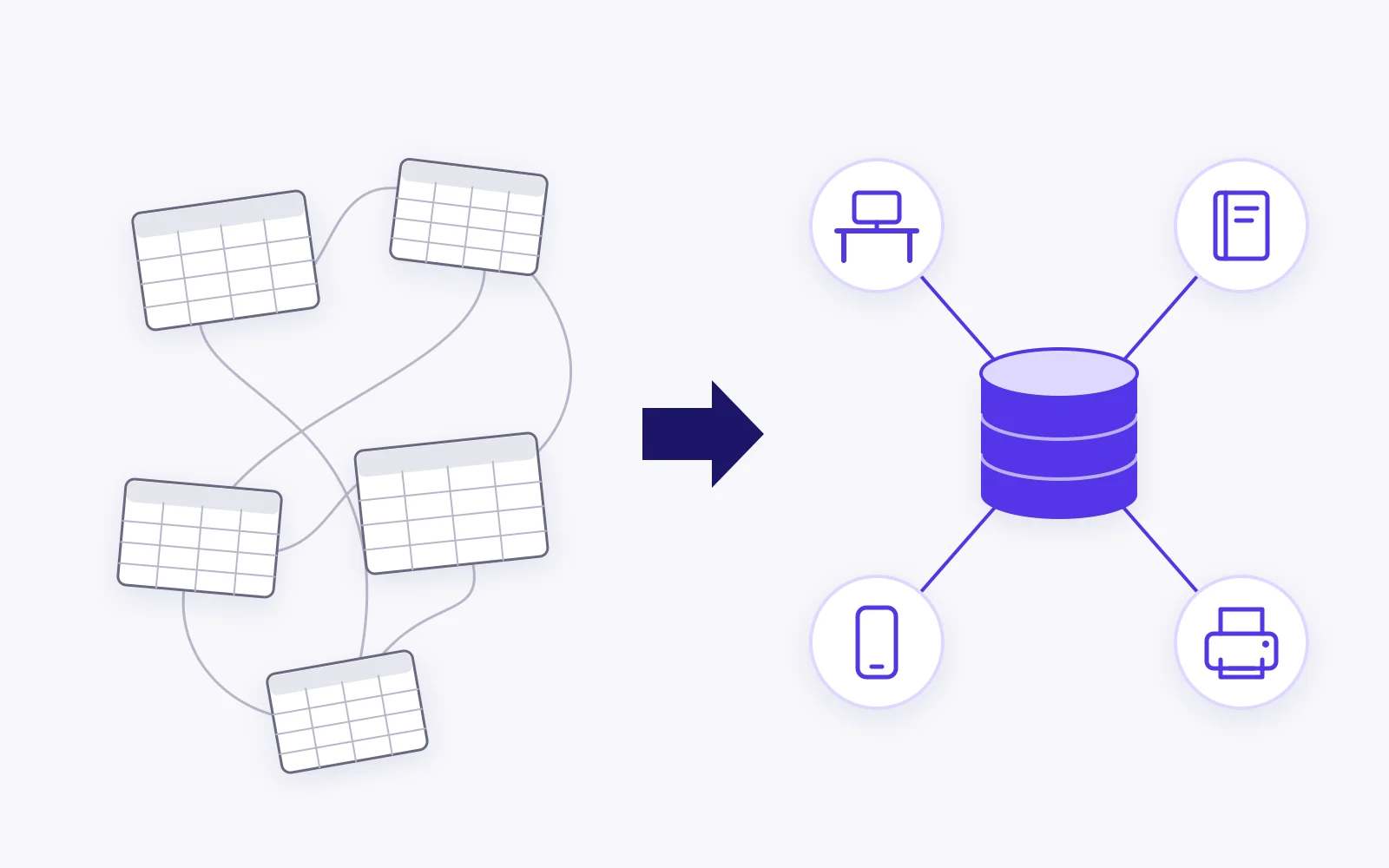
- One fact, one place. Add a student once and the same record is used for fees, attendance, exams and certificates.
- The rules are built in. The board's GPA rules, the 4th subject, two-paper subjects. No formula to break.
- You decide who can do what. A teacher enters marks for their own subject, the accountant collects fees, the head sees everything.
- Receipt numbers fill themselves in. No two receipts share a number, and cancelled receipts stay on record.
- Teachers work from their own phones. Attendance and marks go straight into the software.
- Online software keeps your data safe even if a computer breaks.
Software has its downsides too
- It takes time to learn. The first few weeks mean learning something new.
- Cost. Even with a free option, larger institutions usually need a paid subscription.
- It needs internet. Online software needs a connection, though mobile data is enough.
- Less freedom. You cannot add any column you like the way you can in Excel.
- Getting your data out. Before you start, find out whether you can export your data to Excel if you ever leave.
Questions to help you decide
If you answer "yes" to three or four of these, it is time to think about software.
- Do you have more than 200 students?
- Does more than one person keep the fee accounts?
- Was a calculation mistake found in last year's results?
- Does making the fee dues list take more than a day?
- Do the files live on only one person's computer?
- Do guardians phone regularly to ask about results or dues?
What to check before choosing software
- Does it work fully in Bangla, and do receipts and marksheets print in Bangla?
- Does it calculate results by your board's rules?
- Does it work properly on a phone?
- Can you import your existing Excel lists?
- Can you download your own data to Excel at any time?
- What happens to your data if you stop paying?
- Who do you talk to when something goes wrong, and in which language?
You can change step by step
You do not have to change everything in one day. Many institutions start with just the student list and results, then add fees a month or two later. Keep your old Excel files and compare the two for the first few months.
EduSine's free plan has no time limit, so you can try it in your own institution at no cost. You can import your student list from Excel, and download reports, passbooks, salary sheets and mark lists as Excel or PDF. To start, sign up here.
A few details are all it takes to start your institution's website and software, free.
Create your website for freeRead next

12 questions to ask before you choose school management software
Before you pay for any school software, ask these questions about language, mobile use, board rules, the full cost, data safety and support.
5 min read

A simple way to build the class routine: where to start, where it goes wrong
Building the class routine takes days, and a teacher still ends up in two classes at once. A step-by-step method, and how to avoid the usual mistakes.
5 min read

A guide to a fair admission lottery
When applications outnumber seats, a lottery is the simplest way. Announcing the rules first, drawing in public, running the waiting list and avoiding complaints.
5 min read