Collecting school fees by bKash and Nagad
Personal number, merchant account or payment gateway? Three ways to take fees by mobile banking, the risks, and how to keep the books straight.
Many guardians no longer want to visit the institution to pay the monthly tuition. They ask, "Can I just send it by bKash?" For the guardian it is easy. For the office, the real work starts after the money arrives: who sent it, for which student, for which month, and how to give a receipt.
This post covers the three common ways to take fees by mobile banking, with the strengths, risks and how to reconcile each. Which one suits you depends on your student numbers and what your office can handle.
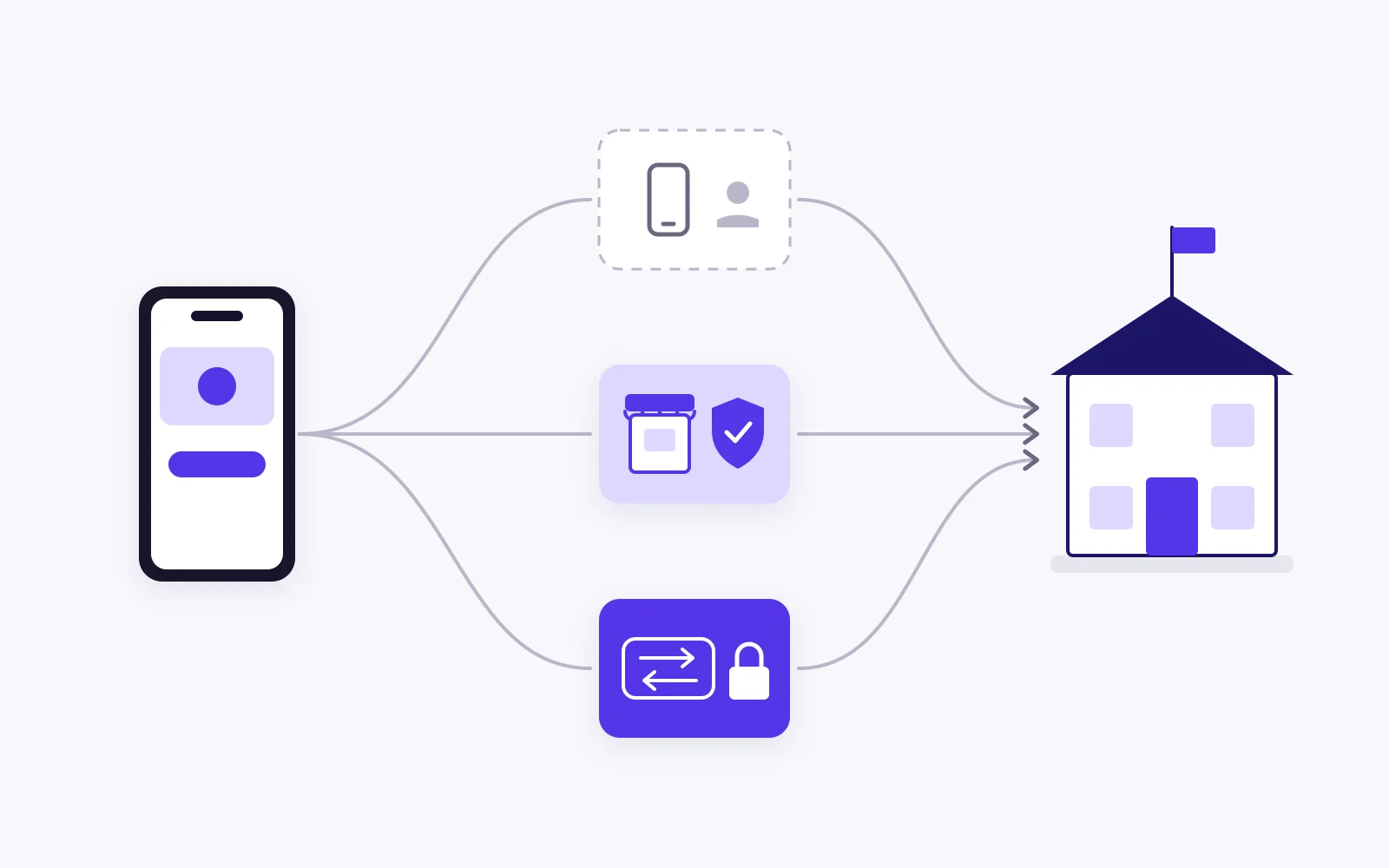
Option 1: Send Money to one institution number
The simplest way. The institution picks one bKash or Nagad number, in its own name or a responsible person's. Guardians send money there and write the student ID or roll in the reference.
Strengths
- No application or paperwork.
- Guardians already know how to do it.
Risks
- If the number is in a person's name, the money really sits in their personal account. If they leave or lose the SIM, you have a problem.
- Personal accounts have a monthly transaction limit. With many students you may hit it.
- When a guardian forgets the reference, finding whose money it is takes time.
- When you show the accounts to the committee, separating institution money from personal money is hard.
It will do for a small institution to start with, but it is better not to run this way for long.
Option 2: A merchant or payment account in the institution's name
Both bKash and Nagad offer accounts for organisations and businesses. You usually need a trade licence or the institution's registration papers, a bank account in the institution's name and the responsible person's national ID. Some banks and mobile banking providers also run services just for education fees.
Strengths
- Money arrives in the institution's name, not a person's.
- Higher transaction limits than a personal account.
- Regular statements, easy to show the committee.
Risks and costs
- Each transaction has a charge. Decide early whether the institution or the guardian pays it, and say so in your notice.
- The office still has to match each payment to a student.
Charges and the list of papers change over time. Before you apply, ask a bKash or Nagad office or your bank for the latest details.
Option 3: A payment gateway
With a payment gateway such as SSLCommerz or aamarPay, the guardian pays from one page by whatever suits them: bKash, Nagad, Rocket or a card. The gateway takes its fee and settles the money into the institution's bank account within a few days.
Strengths
- The payment carries the bill it was for, so there is almost nothing to match by hand.
- Money goes straight into the institution's bank account.
- Every method on one page.
Risks and costs
- You sign an agreement with the gateway, it needs paperwork, and approval takes time.
- Each transaction has a percentage charge.
- If it is not connected to your software, much of the benefit is lost.
Whichever you choose, follow these rules
- Use one number or account only. Taking money on several numbers muddles the books.
- Teach guardians how to write the reference. For example: the student ID, then the month. Put an example in the notice.
- Reconcile every day. At the end of the week nobody remembers which payment was whose.
- Give a receipt for every payment. A mobile banking message is not a receipt. Give a numbered receipt from the institution, by SMS or on paper.
- Book the charges separately. If, say, a ৳ 1,000 fee arrives as ৳ 985 after the charge (the real charge depends on your gateway and method), record the fee as ৳ 1,000 and the ৳ 15 charge on its own line. Otherwise the fee register will not match at month end.
- Count cash and mobile money separately. At day end, total the cash at the counter and what reached the account, each on its own.
- Agree a refund rule. Decide in advance how an overpayment is returned or carried to the next month.
What to tell guardians
- Which number or page to pay to.
- What to write in the reference.
- Who pays the charge.
- How and when they get a receipt.
- Who to contact if something goes wrong.
Write these five points in one notice, put it on your website and send it by SMS. The same phone questions will come in far less often.
How this works in EduSine
EduSine's Fee Register keeps each student's bills, payments and dues in one place. When the office records a bKash or Nagad payment, the receipt number fills itself in and the receipt can be sent to the guardian by SMS or email.
On the Standard plan, an institution can connect its own SSLCommerz or aamarPay merchant account. Guardians can then pay one bill, or several bills of one child together, from the portal. As soon as the money arrives the bill shows as paid and a receipt is made.
See Fees and receipts for more.
A few details are all it takes to start your institution's website and software, free.
Create your website for freeRead next

Monthly fee collection without mistakes: a monthly routine for the office
Bills, the counter, receipts, discounts, the dues list and the day-end cash count: where fee mistakes happen and how to avoid them.
6 min read

A guide to a fair admission lottery
When applications outnumber seats, a lottery is the simplest way. Announcing the rules first, drawing in public, running the waiting list and avoiding complaints.
5 min read

Running admission season: from notice to first class
The admission notice, applications, fees, admission test, merit list and waiting list. How a school or madrasah can organise admission step by step.
4 min read