What a school or madrasah website must show
What guardians, students and the education office look for on an institution's website, and a checklist of the pages and facts to keep there.
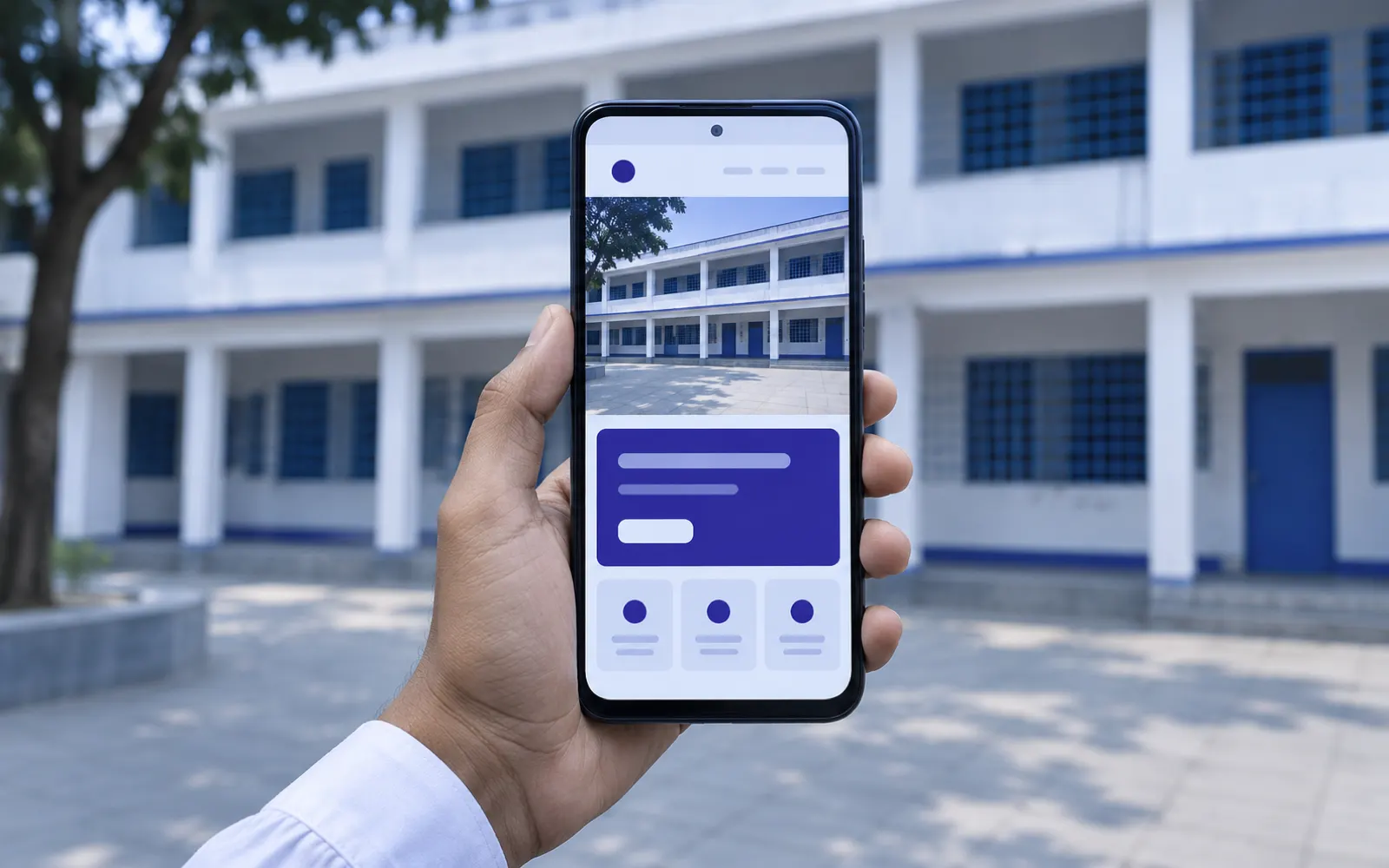
Plenty of institutions have a website, but open it and the latest notice is two years old. A guardian cannot find the admission date, so they phone the office. The website stops being useful and becomes just an address.
A good institution website does not need to be flashy. People should find what they came for in two or three taps, and what they find should be current. This post is a checklist of the pages and facts to keep.
Who looks at your website
- Guardians thinking of admission: what the institution is like, the fees for each class, when admission opens.
- Current students and guardians: notices, routines, the holiday list and results.
- The education office and the board: your profile, EIIN, the managing committee, the list of teachers.
- Teachers looking for work: recruitment notices.
- Former students and the local community: news, photos and achievements.
Arrange the pages so each of them finds their answer on the website itself.
What the front page needs

- The institution's full name, logo and address, and the EIIN if you have one.
- The latest few notices, with dates.
- Whether admission is open, and a link to apply.
- A link to look up results.
- A short message from the head of the institution.
- The office mobile number, email and opening hours.
Do not cram everything onto the front page. Put what people look for most at the top.
Pages to have
About the institution
The year it was founded, its history and aims, which classes and groups it offers, and which board it is under. Mention MPO status or recognition if you have it.
Notice board
Every notice needs a date. Do not delete old notices; keep them in an archive. If a notice has a PDF, make it downloadable.
Teachers and staff
Name, designation, subject and photo. Whether to show personal mobile numbers is the institution's call; many show only the office number.
Managing committee
The chair's and members' names and roles. People often look for this, especially for government-affiliated institutions.
Admission
Which classes are open, seats, eligibility, fees, the documents needed and the admission test date. If you can, an online application form, so guardians do not have to visit the office just to collect a form.
Results
A way to look up results by roll number takes most of the crowd out of the office on result day. A PDF list works too, but then everyone sees every student's marks. With a roll lookup, each family sees only their own result.
Class routine, exam routine and academic calendar
When each exam is and when the holidays are. These are the questions guardians phone about most.
Downloads
Admission forms, syllabuses, book lists and the holiday list, all in one place.
Gallery
Sports day, prize-giving, national days. Large photos make pages slow, so resize them before uploading.
Contact
Address, map, office hours, mobile number and a contact form.
The most common mistakes
- Out-of-date pages. Less information beats wrong information. If you cannot keep a page current, leave it out.
- English only. Most guardians read Bangla more comfortably. Keeping both Bangla and English serves everyone.
- Not working on a phone. Most guardians visit from a mobile. Text should be readable without zooming.
- Notices posted only as images. Google cannot read text inside an image, and it is hard to read on a small screen. Write the main point as text and add the image or PDF alongside.
- One person holds the keys. If only one person can update the site and they leave, everything stops. Make sure at least two people in the office can post a notice.
A word about your address
Pick a short, simple address that matches your institution's name, so guardians can remember it. Your own .edu.bd domain is good to have, but it is fine to start without one. Keep an eye on when your domain expires: when it lapses, the website goes down, and sometimes the address is lost for good.
Being found on Google
When someone types your institution's name into Google, your own website should come first. Keep each page's title clear, write the institution's name in both Bangla and English spellings, and post new notices regularly.
How this works in EduSine
When you sign up with EduSine, a free website is made in your institution's name, with most of the pages above already in place. Notices and the teacher list come straight from the software, and applications sent through the website's admission form land in it directly, so nothing is typed twice. On the Standard plan, guardians can look up results by roll number on your website. The website shows in both Bangla and English. See School website for more.
A few details are all it takes to start your institution's website and software, free.
Create your website for freeRead next

A guide to a fair admission lottery
When applications outnumber seats, a lottery is the simplest way. Announcing the rules first, drawing in public, running the waiting list and avoiding complaints.
5 min read

Running admission season: from notice to first class
The admission notice, applications, fees, admission test, merit list and waiting list. How a school or madrasah can organise admission step by step.
4 min read

The board exam year: what to do and when
When SSC, Dakhil, HSC, Alim and Qawmi board exams usually happen, and what an institution's office should prepare in each month.
4 min read